




Quick Take
There is no universal e-bike controller reset. Identify your exact model and display, follow its manual, and contact support before changing advanced settings.
There is no universal factory-reset sequence for every e-bike controller. A restart, a display-settings reset and removing an app account binding are different tasks. Start by identifying your exact model and display, then use the matching instructions.
This guide helps you decide what to check before a reset and what information to send to support if the bike still does not respond.
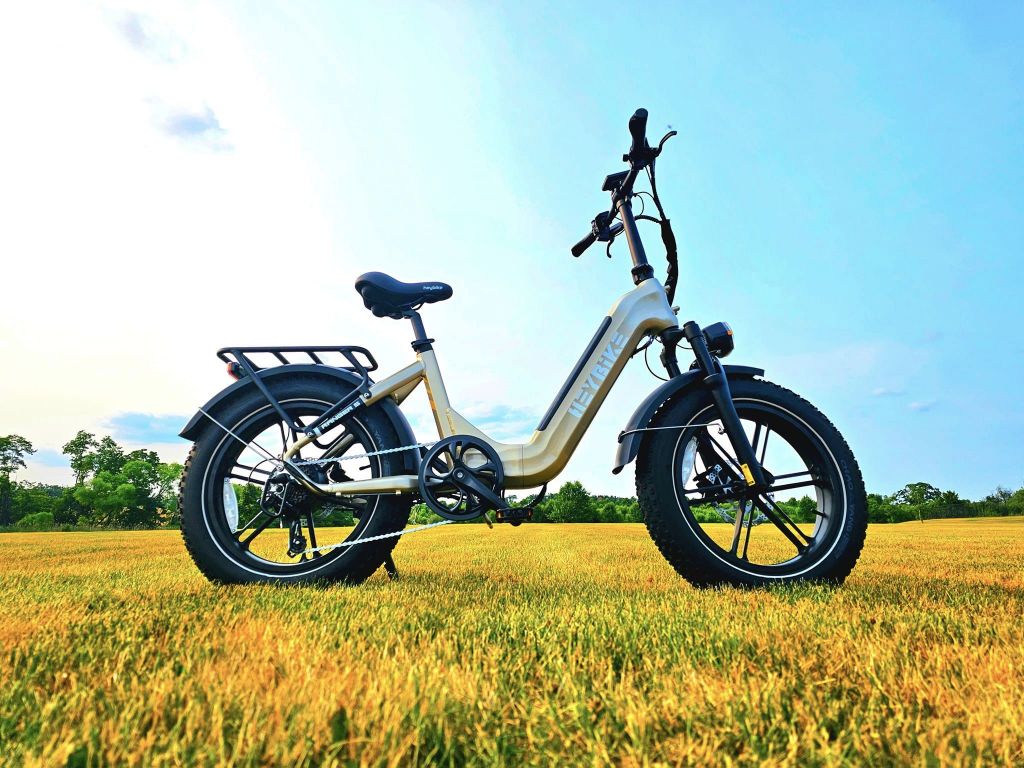
But first, what is an E-bike controller?
An E-bike controller serves as the central control system for your electric bicycle, overseeing and regulating various aspects of its operation. Its primary role is to facilitate the connection between the power source, motor, and sensors, ensuring seamless operation. Within the controller, a circuit board manages the input and output of voltage and amperage, overseeing essential functions crucial to your e-bike's performance.
In short, the e-bike controller receives energy from the battery and directs it to the motor based on user inputs and information from sensors. It constantly monitors factors such as battery voltage, bike speed, motor power, pedal activity, and more. The controller also controls functions such as:
- Motor power
- Maximum speed
- Pedal Assist
- Voltage cut off
- Integrated lights
- Built-in display (if that exists)
Restarting Is Not the Same as a Factory Reset
A normal shutdown and startup may clear a temporary issue, but it does not necessarily restore settings. A factory reset can change supported settings; the available options and effects depend on the display, controller and firmware. It does not repair damaged wiring, a worn battery or a failed component.
Before You Attempt a Reset
- Identify the full model name, display version and market. “Mars” or “Ranger” alone may not identify the correct system.
- Record the exact error code, what the display does and what happened before the fault. Note whether the bike has no power, powers on without assistance, or loses only pedal assist or throttle.
- Follow the normal shutdown and startup instructions in the matching owner manual. Keep clear of the pedals and throttle while checking the controls.
- If the issue remains, contact support before changing advanced parameters. Do not copy P- or C-menu values from another display.
Choose the Right Next Step
The display is completely dark
Start with the model's documented power-on procedure and accessible battery installation checks. See our guide to an e-bike that will not turn on. Do not repeatedly hold buttons or open electrical housings to force a reset.
The display is on, but assistance is missing
Record whether throttle and pedal assist are both affected, and note the error code. These symptoms do not identify a controller fault on their own. Follow the checks permitted for your model rather than changing current, wheel-size or speed parameters.
A second-hand bike is bound to another account
A display reset and an account ownership transfer are separate processes. Ask Heybike support which ownership information is needed for the exact model. Do not replace a controller or attempt an undocumented reset to bypass an account binding.
The lights stay on or a button behaves unexpectedly
Check the lighting and button descriptions in the matching manual. Automatic lighting and other control modes vary. A light staying on does not by itself mean that the controller needs a factory reset.
Error Codes: Use the Matching Manual
The same code can mean different things on different systems. Read the exact code together with the model and display information; do not use a universal E01–E05 table to select a replacement part.
Frequently Asked Questions
How do I reset a Heybike Mars controller?
First identify the exact Mars model and display. This guide does not provide a button sequence verified for every Mars version. Use its owner manual or ask support for the appropriate procedure.
Will a reset erase my settings?
It depends on the reset function supported by that system. Check what will change before confirming it. A restart is not a promise that settings, error history or account pairing will be erased.
Can resetting fix a battery problem?
A reset does not restore a battery's lost capacity or repair physical damage. If there is swelling, unusual heat, damage or moisture intrusion, stop using the equipment and seek appropriate support.
What should I send to support?
Provide the model, display identification, exact error code, a description or short video of the symptom, and recent changes such as a replacement display or controller. Share order and ownership details privately.
Get Help for Your Exact Bike
Use the Heybike support resources for the next step. For other model information, visit Heybike or browse the current electric bike range.



Share:
Texas Ebike Laws 2026: What You Need to Know
Electric Bike Laws & Regulations in Illinois
1 comment
Why are my head and tail lights staying on after I’ve powered off my bike?